First visit
See whether a new visitor gets what you offer and knows where to go next.
- First screen
- What you offer
- First click


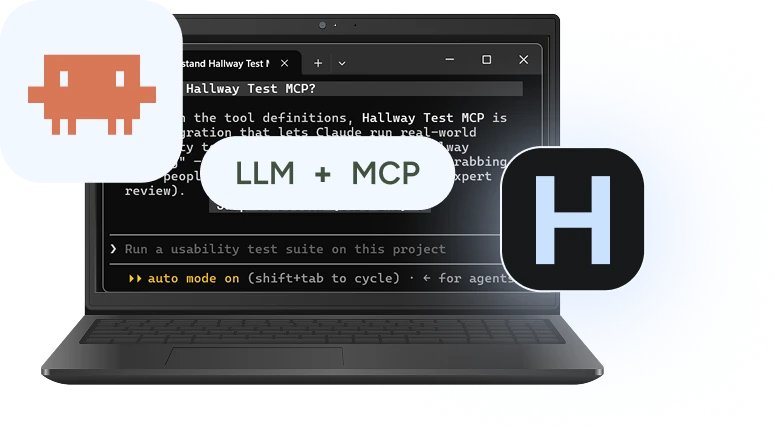
Hallway Test is a usability testing MCP for Claude Code, Cursor and Codex. Your agent sends a flow to a fresh person, and the recording, think-aloud transcript and friction points come back within 24 hours, ready to fix.
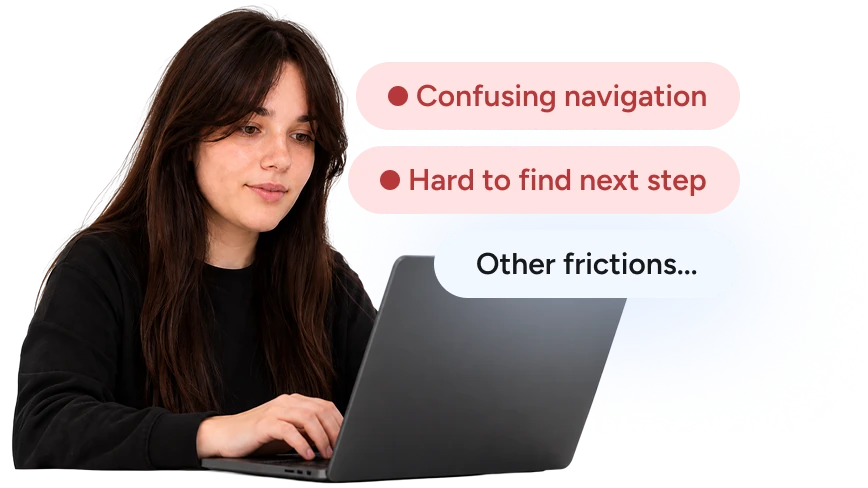
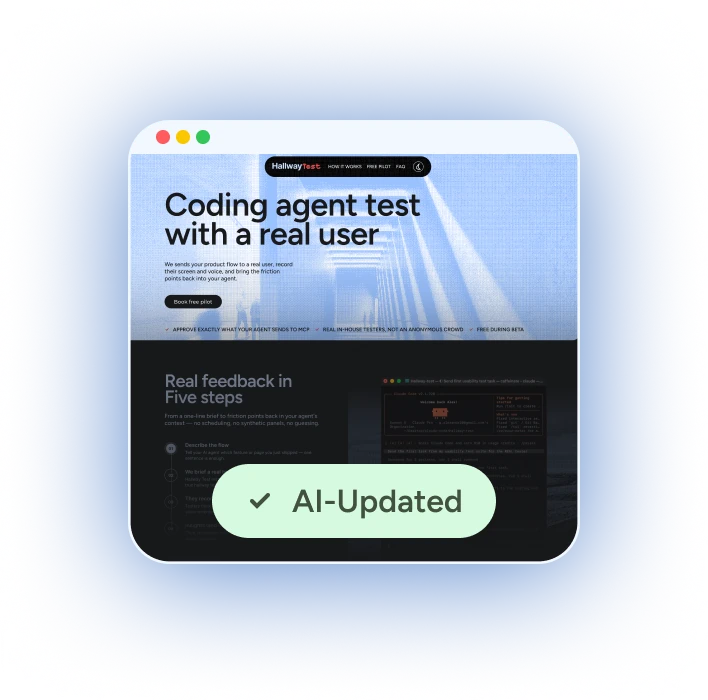
Feedback from a real person offers a new perspective on UX design
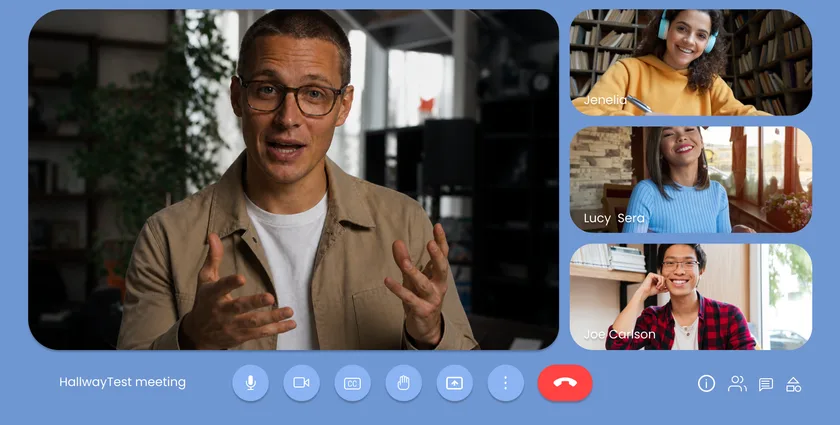
The MCP Hallway Test lets you see how a real user will react to your interface, identify its weaknesses, and fix them
The MCP Hallway Test lets you see how a real user will react to your interface, identify its weaknesses, and fix them
Choose one action. Watch a real person try it on your website or app.
Categories
See whether a new visitor gets what you offer and knows where to go next.
See whether someone can find a product, service or plan that fits their needs and budget.
See how far a buyer gets and what might stop them from paying.
See whether someone interested in your service can get in touch and knows what happens next.
See whether a customer can choose a suitable time and tell that it’s booked.
See whether a new user can get into your product on their own.
See whether a new user can finish one useful task without a walkthrough.
See where someone needs help bringing their data into your product.
See whether someone knows their action went through and can find what they need afterward.
See whether someone can get unstuck and finish after an error or interruption.

“We’re a small team, and it’s easy to miss things in a flow we work with every day. The test caught translation issues we’re already fixing.”
Before opening registration more widely, Spevdo tested its website with a fresh user. The session surfaced translation issues, and the co-founders have already started working on a fix.
 Co-founders at Spevdo

“We identified several critical friction points where users either got completely stuck, such as during registration, or became lost within large menus.”
We’re tweaking the UI on the registration form, as well as the profile page and the post-creation flow.
 CEO at BestForTravel
“Sometimes I feel it’s not getting enough feedback from a more professional eye, rather than hypothetical friends, or my acquaintance engineers, but a more professional look at my products, at what could be improved, is extremely valuable.”
The respondent recommends the service when a fresh perspective is needed.
 IT Entrepreneur: yoy.events, partyhard.com.ua, and other Engineering communities
Add the MCP connector once, then send any task straight from your agent: no dashboards, no context switching. See how the usability testing MCP works and all 22 tools.
Explore setup through GUIclaude mcp add --transport http hallwaytest https://mcp.hallwaytest.ai/mcp
Everything you'd ask before letting a real user loose on your product.
Hallway Test is an MCP server your coding agent can call directly. Point it at whatever you just shipped and a real user tries it – no synthetic panels, no other model guessing on your behalf.
A model can flag obvious issues, but it can't get confused, hesitate, or misread a button the way a real user does. Hallway Test swaps that guess for a real user going through your flow on camera.
A screen- and voice-recorded session, a full transcript and a log of every click, delivered straight into your agent's context. Your agent turns them into timestamped friction points, ready to act on.
No – describe the flow in a sentence, like “place an order as a guest and reach confirmation.” Hallway Test briefs the real user like a real hallway test, not a rigid QA script.
Results come back within 24 hours – you can watch status update live in your agent's task list while it runs.
Yes, for React Native and Expo apps on iOS and Android. Add the Hallway Test SDK and record sessions of your own app: screen, voice, taps, screens, network requests, logs and crashes. Your coding agent then audits the recording through MCP. The first 10 recordings are free.
Hallway Test ships as a standard MCP server, so it works with Claude Code and any other MCP-compatible agent today, with more integrations on the way.
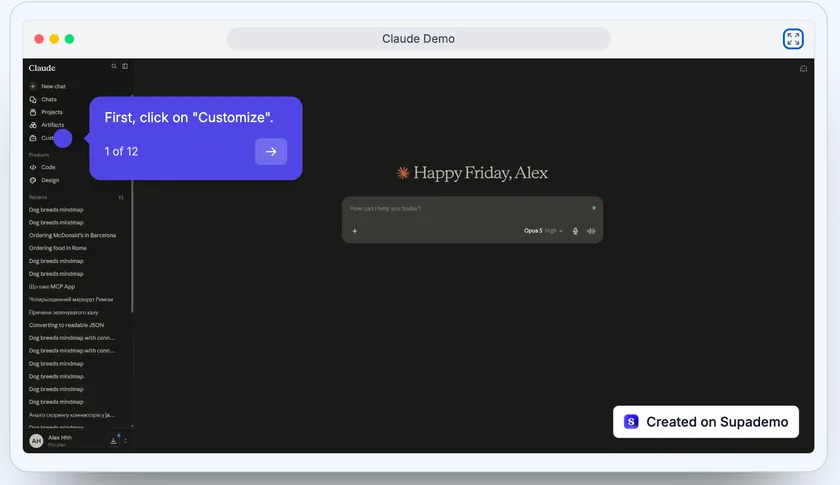
Choose this and you’ll see step-by-step instructions to connect MCP yourself.
Choose this and you can book a 15-minute call with our team. We’ll help you with the connection.
Don’t use an AI agent? Continue without MCP
Open Claude Code in your project folder and paste the prompt. It connects the Hallway Test MCP, asks you to sign in, and plans your first usability test.
Prefer help? and we’ll connect it with you.
Pick a time for a 30-minute call. We’ll connect the Hallway Test MCP to your coding agent and run your first test together.
The invite is on its way to your email. On the call, we’ll connect the Hallway Test MCP to your coding agent and run your first test with a real user.